
Loading photo…
Choose what the recipient needs
A client reviewing a repair may need a small set of before-and-after images. A colleague taking over the job may need the wider project record. Choose the scope before sending anything.
Keep the explanation next to the photo
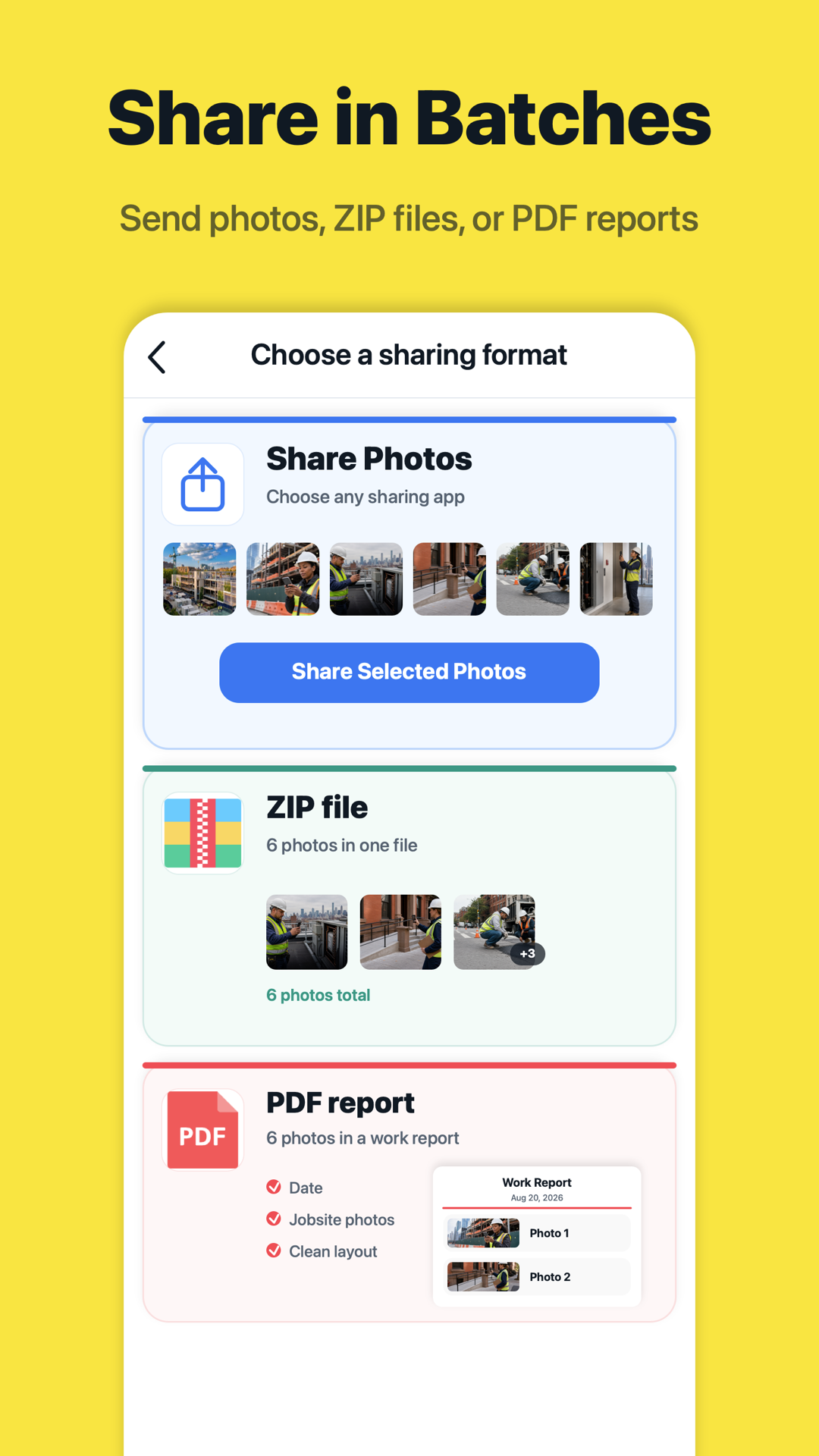
Time, location, and a short work note help a recipient understand the image without searching an earlier conversation. For ongoing collaboration, use the available shared project page; for a fixed handover, send the selected photos or an export.
- Review the selected project and photo set.
- Check notes and visible location details.
- Open the shared result from the recipient’s perspective.
Check delivery, not just the send action
Make sure the final link or file opens and contains the intended pictures. If a recipient needs the original files, use an appropriate file export rather than a screenshot of the gallery.