
Loading photo…
Choose the fields that explain the job
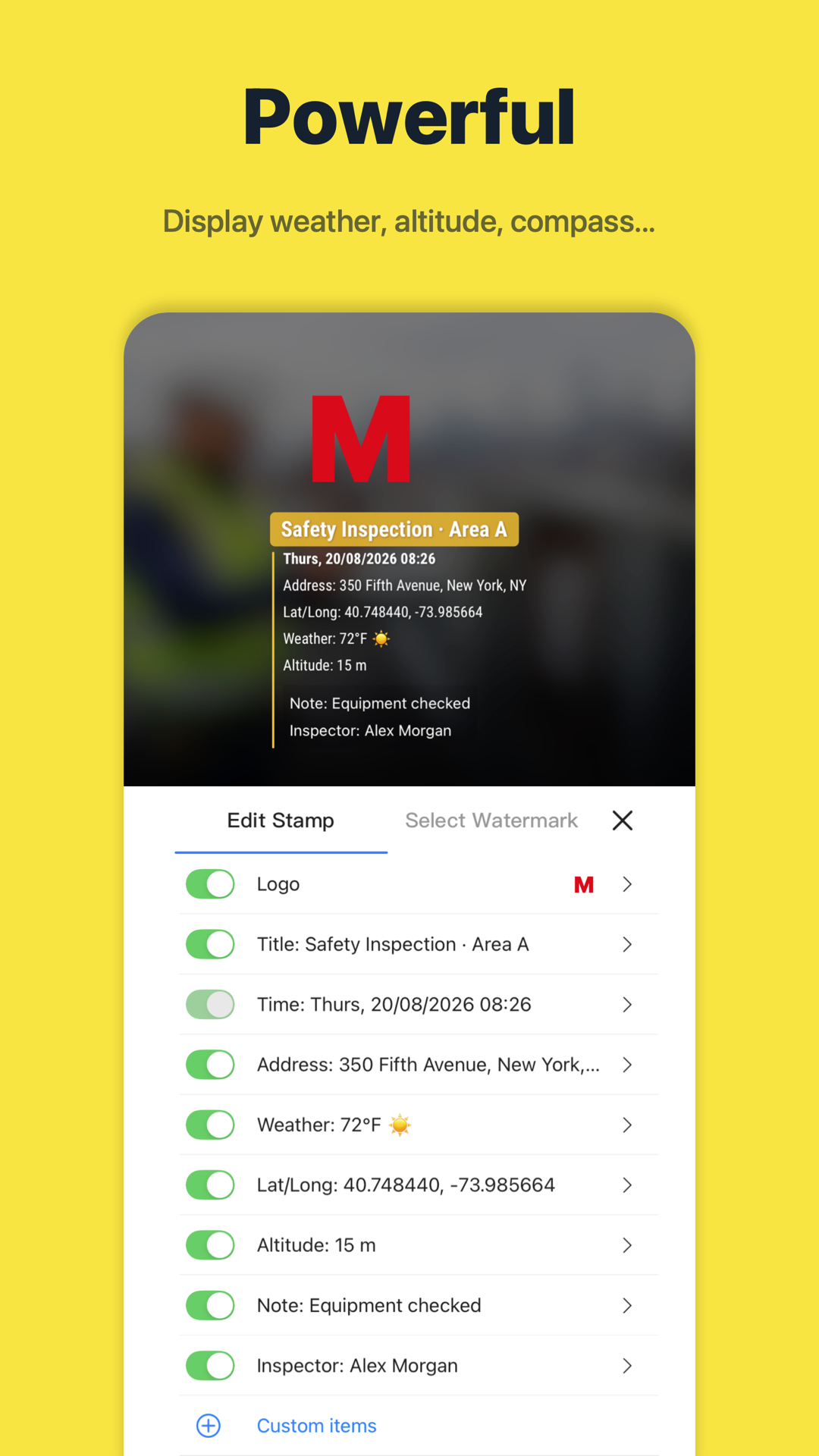
Start with time and location, then add information that changes how the photo is understood. An equipment reference, task name, or inspection note is often more useful than a long description repeated on every image.
Make the layout easy to read
Review the template against both light and dark scenes. Keep text large enough to read in the saved image. Position the stamp away from the part being documented, and check that a company logo does not obscure the work.
- Keep project and asset naming consistent.
- Use short notes describing the condition or action.
- Review a saved sample before using the layout for a full job.
Use a shared format across the team
Choose a common template for a recurring type of work. Timeprint supports sharing watermark templates, helping teammates use a similar layout while adding their own job details.