Organize by team and project
Keep job photos grouped around the team, project, location, or task they belong to.
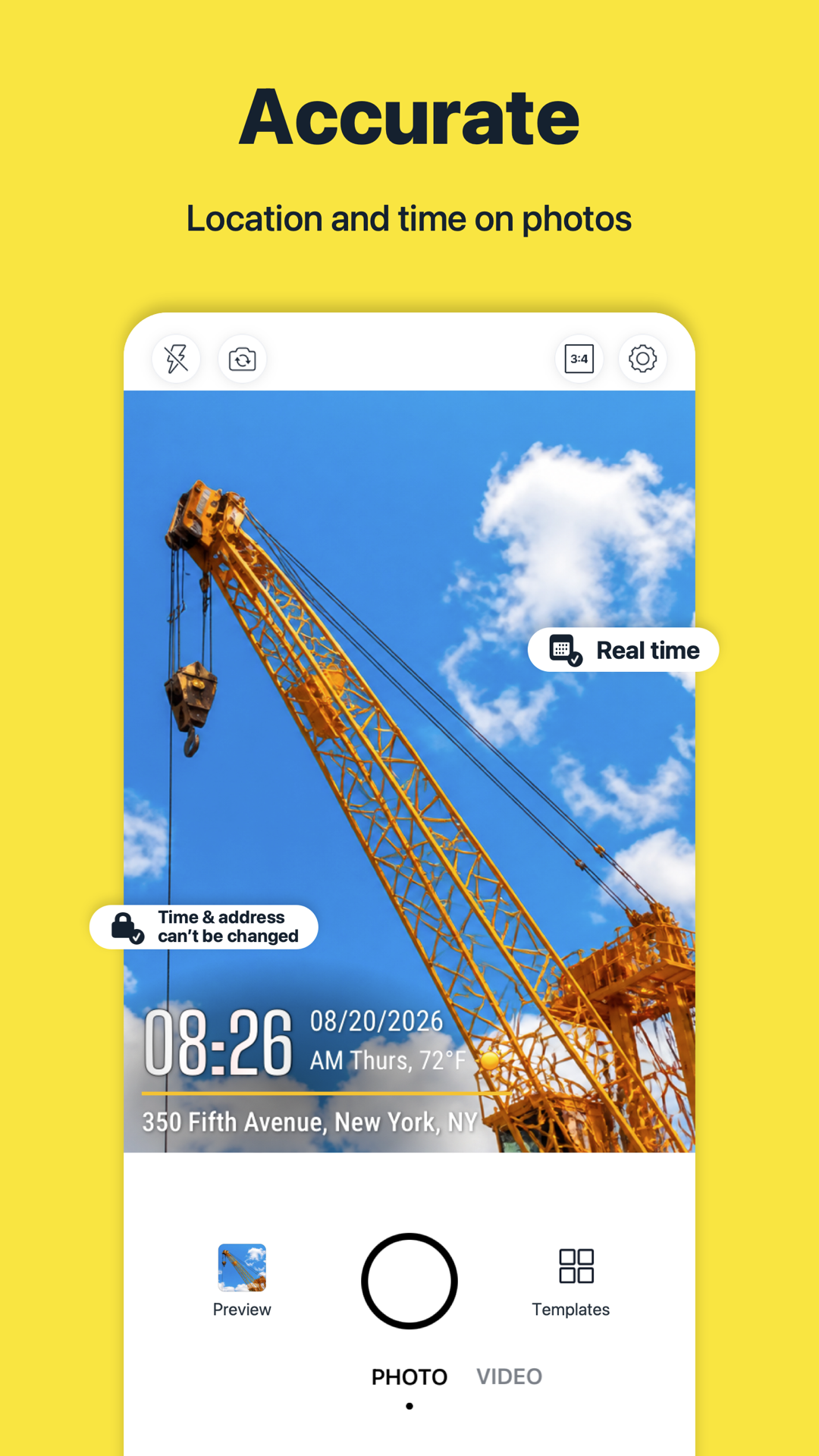
Capture time and place. Bring job photos together. Keep your team up to date, from the first site visit to the final handover.
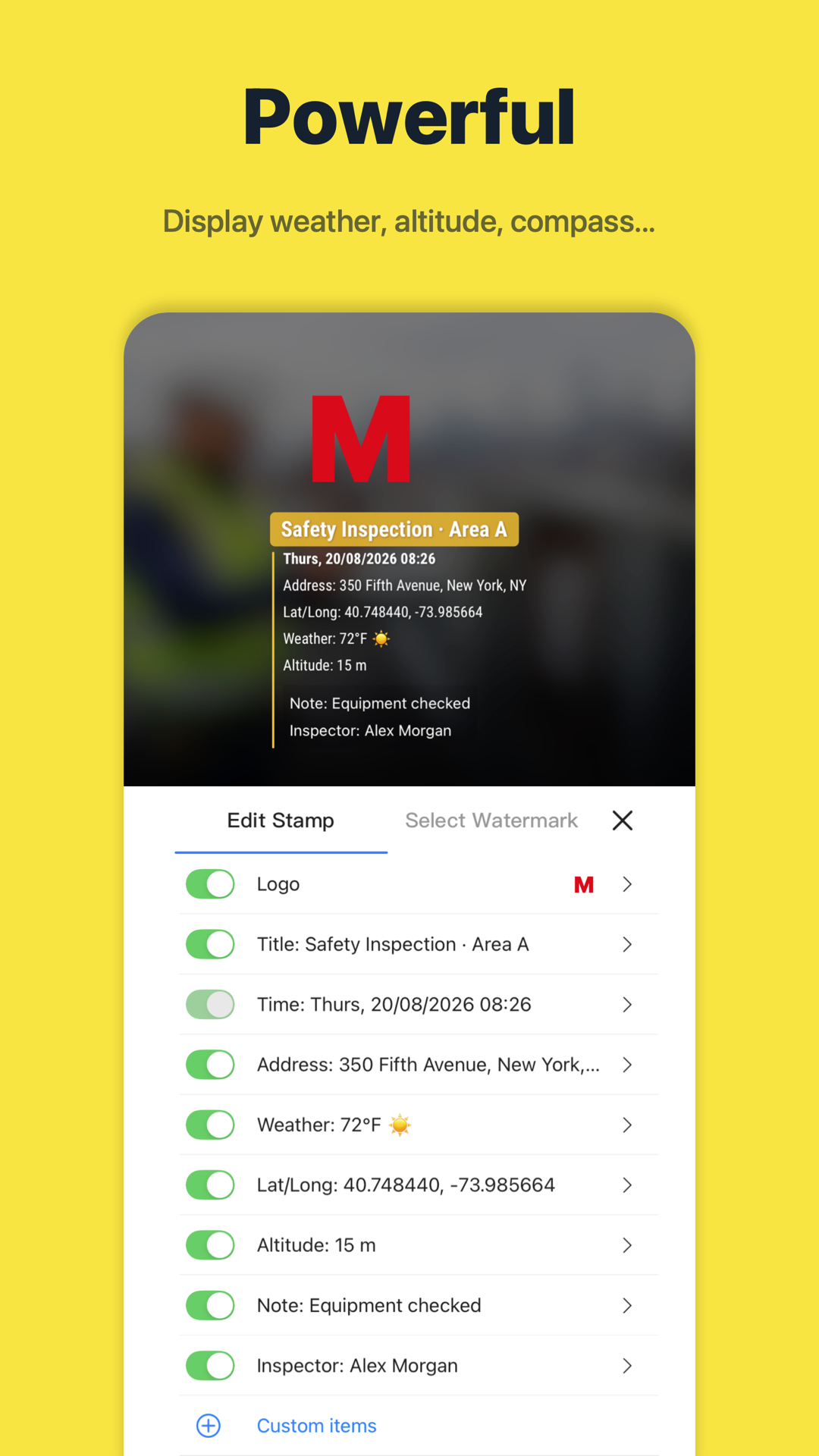

Built for field work
Add time, address, maps, notes, text, arrows, and boxes whenever you need
TeamSpace
Keep job photos organized by team and project, so the field and the office can find the records they need.
Keep job photos grouped around the team, project, location, or task they belong to.
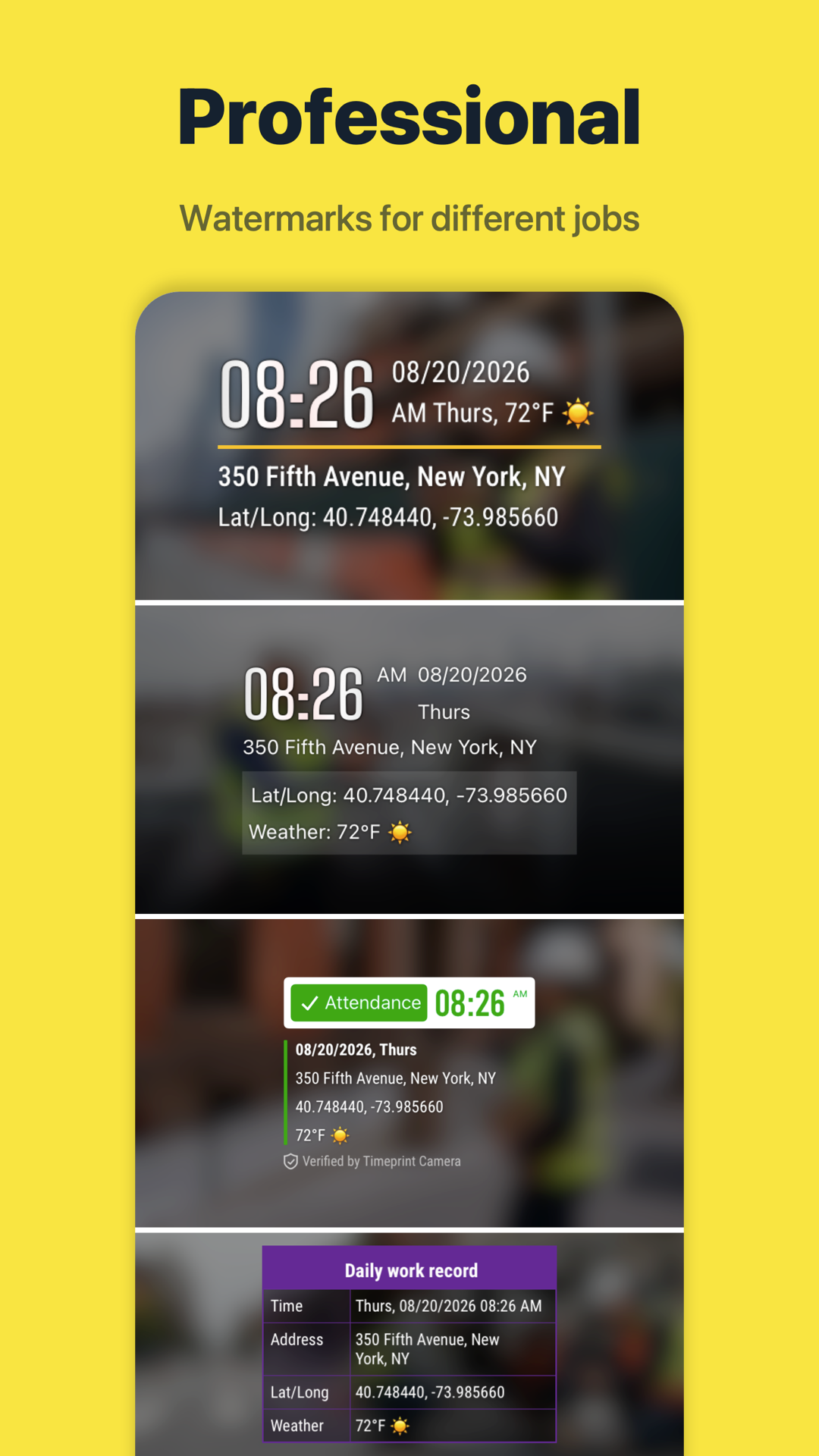
Timestamp, GPS, address, notes, and watermark fields stay attached to the photo record.
Use TeamSpace invite links and shared flows so the right people can view the right records.
Centralized team field photos make work records clearer
Start for freeIndustries
Keep progress and corrective work in view
Connect site photos to each work package
Show the result of every service visit
Keep the next shift informed
Follow the shipment from pickup to handover
Document pickup and drop-off
Keep store visits and follow-ups together
Document each section from groundwork to resurfacing
Features
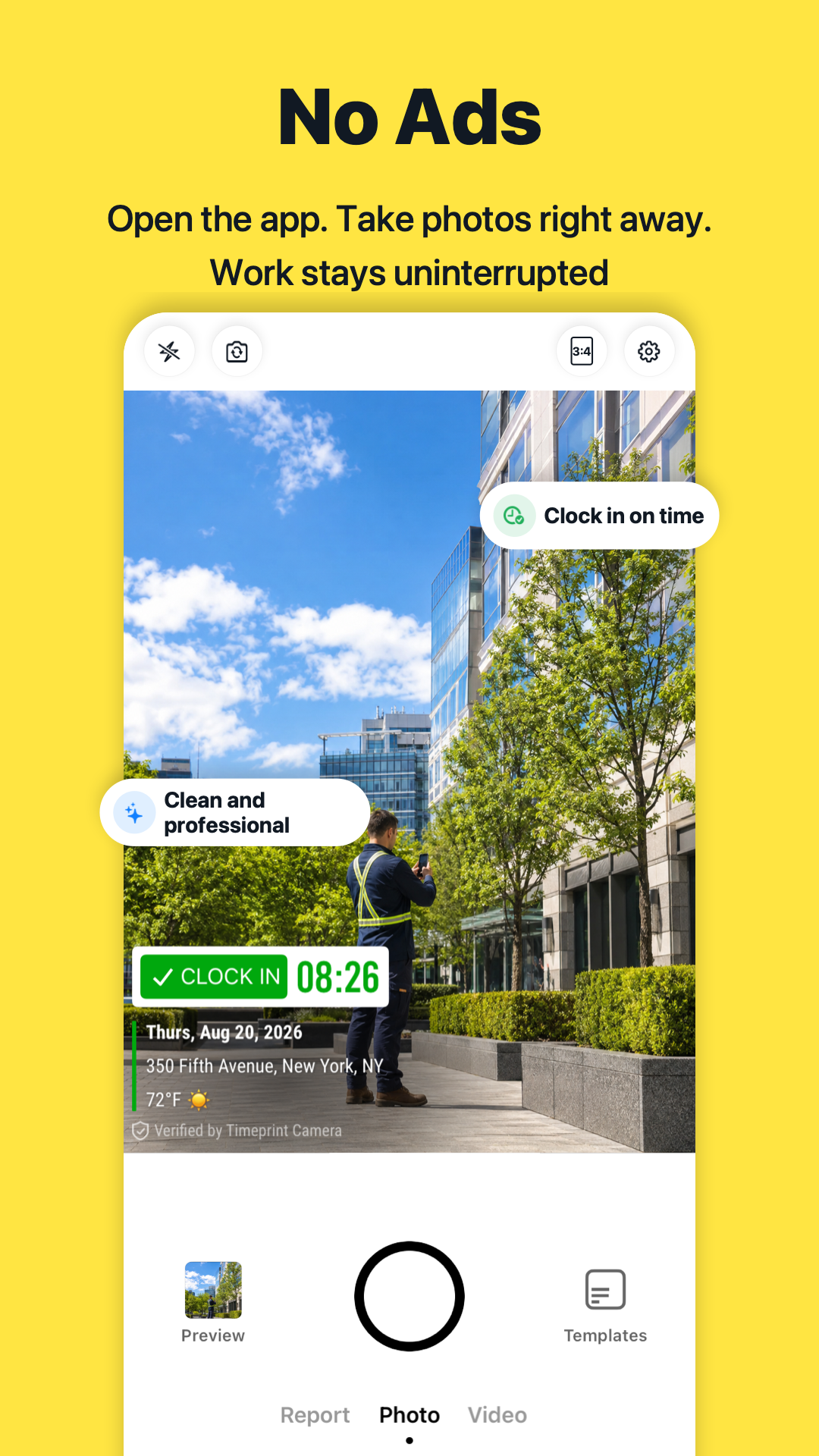
Use Timeprint to put a readable timestamp on work photos, so a site visit stays connected to the day it happened.
ExploreGPS cameraAdd GPS coordinates, an address, or map details to work photos with Timeprint.
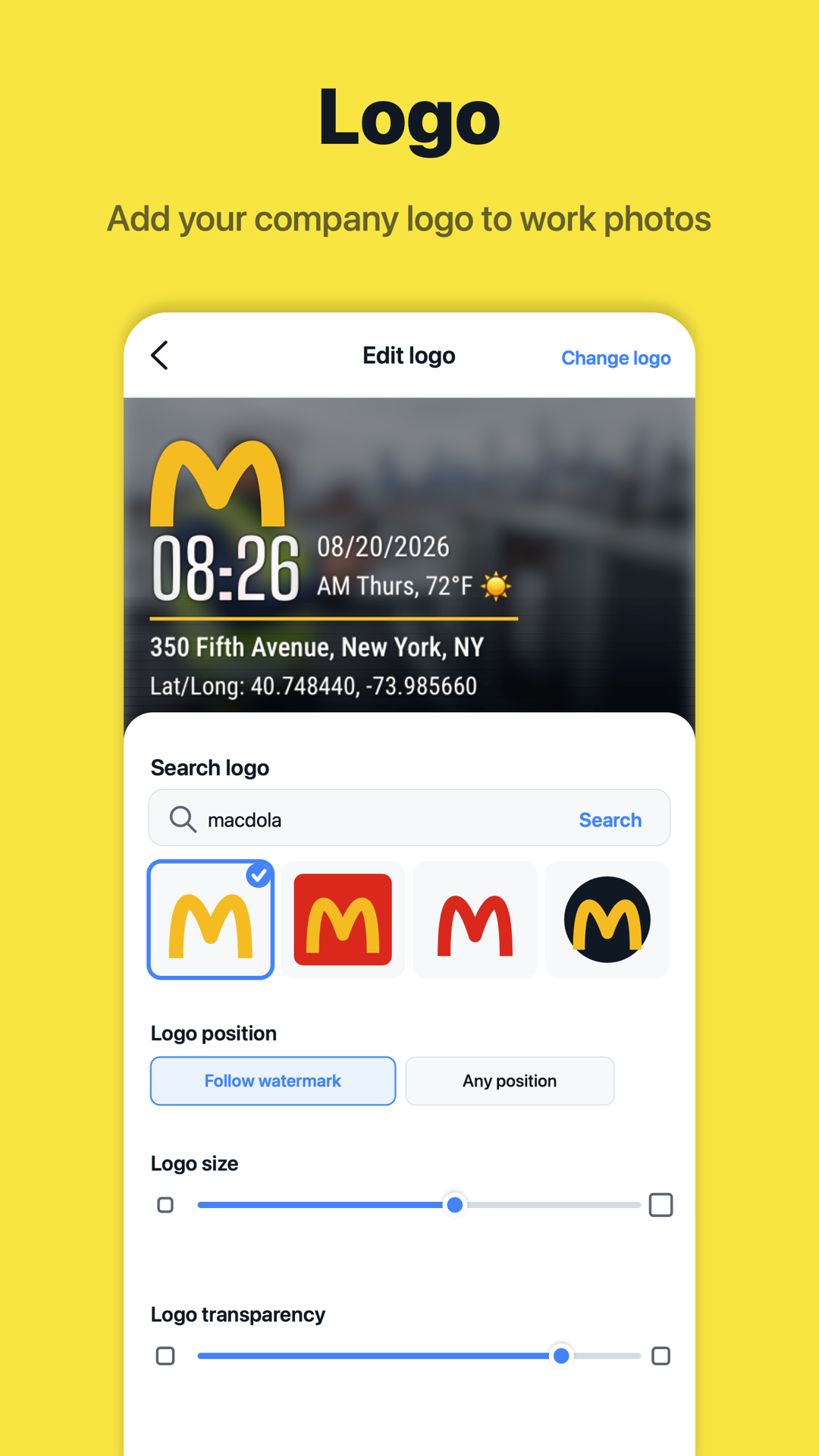
ExploreCustom watermarksCreate a consistent record with Timeprint watermark templates, work notes, and company logos.
ExploreTeam photosKeep field photos connected to the right team and project, with records your teammates can review.
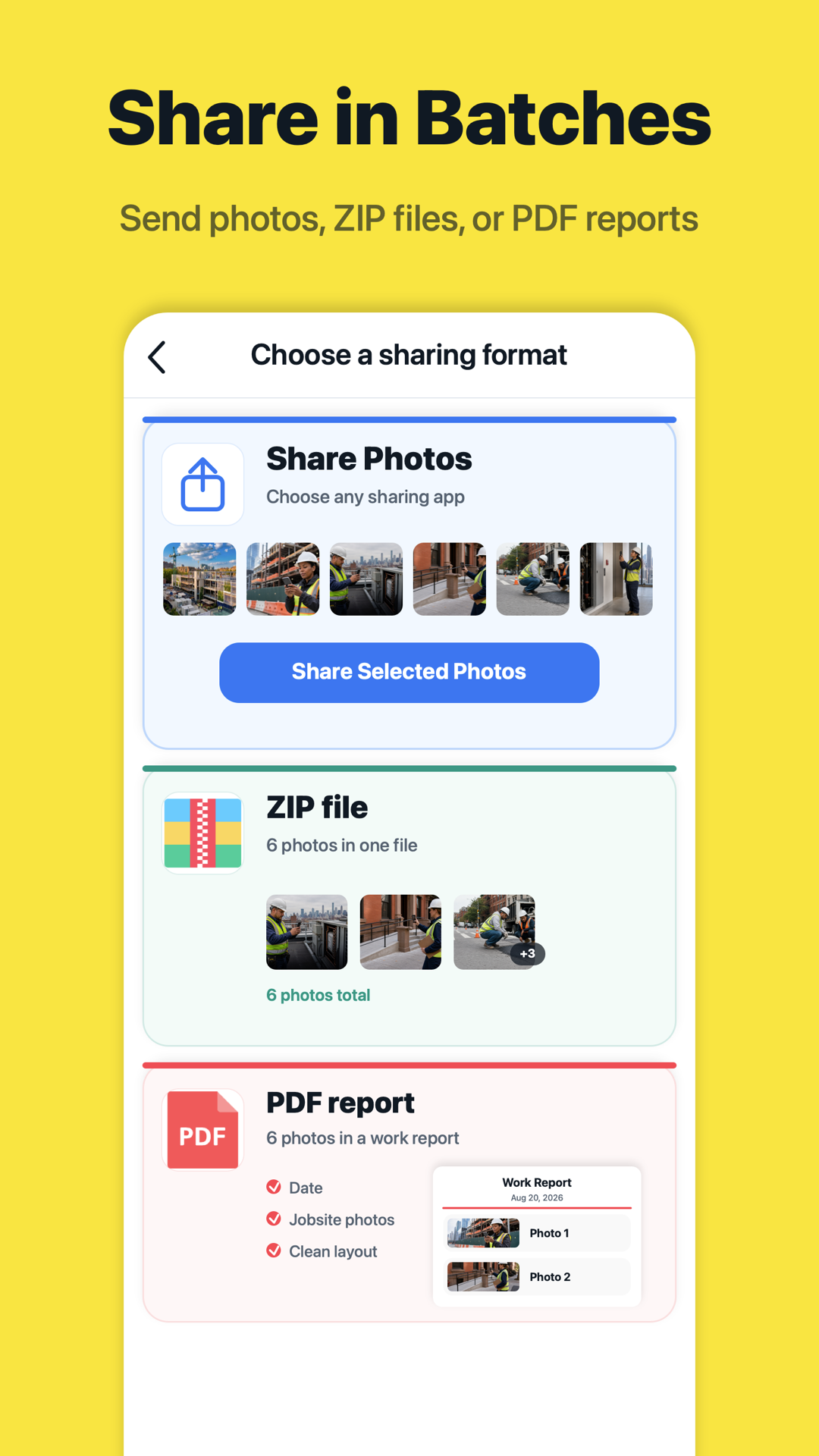
ExplorePhoto sharingUse Timeprint to share work photos and project records with teammates and clients.
ExplorePhoto reportsShare selected Timeprint photos, package images as ZIP files, or prepare a PDF photo report.
ExploreGuides
What to capture before, during, and after a job, and what to check before the crew leaves the site.
Read the guideLocationUnderstand the different ways a photo can carry location, and choose useful details for a field-work record.
Read the guideOrganizationA simple team routine for project names, useful notes, upload checks, and photo handovers.
Read the guideFAQ
Timeprint Camera is used to capture work photos with time, GPS location, address, map, notes, and watermark details. It helps field teams create clearer photo proof for jobs, inspections, service visits, and site records.
Yes. Timeprint Camera can add timestamp, GPS coordinates, address, map-style location details, notes, project information, and custom watermark fields directly to photos.
Timeprint Camera is useful for construction, property management, real estate, cleaning, security, home services, inspections, delivery, maintenance, and other field work where photo proof matters.
TeamSpace helps teams keep job photos connected to the right team records, projects, shared templates, and invite links, reducing scattered photos in chat threads and personal albums.
Yes. Timeprint is designed for sharing watermarked photos, shared watermark templates, and team records so photos can be used in reports, client updates, claims, and internal documentation.
Yes. Although Timeprint is optimized for field work and team records, it can also be used for everyday photos that need a clear time, date, GPS, and address watermark.
Yes. Timeprint Camera is available for iPhone through the App Store and for Android through Google Play, with an Android APK download option on the website.

Start with one job photo. Keep the field and your team connected.
Or scan the QR code
Download Android